Stop Working Hard, Start Working Smart

Boost collaboration—go Google Workspace or Microsoft 365

Empower the Business with Smarter Cloud Productivity

The Future of Work Is Cloud-Driven. 

  • Professional Business Email
    Present a strong brand identity with your own domain-based email — secure, ad-free, and reliable.

  • Centralized Collaboration
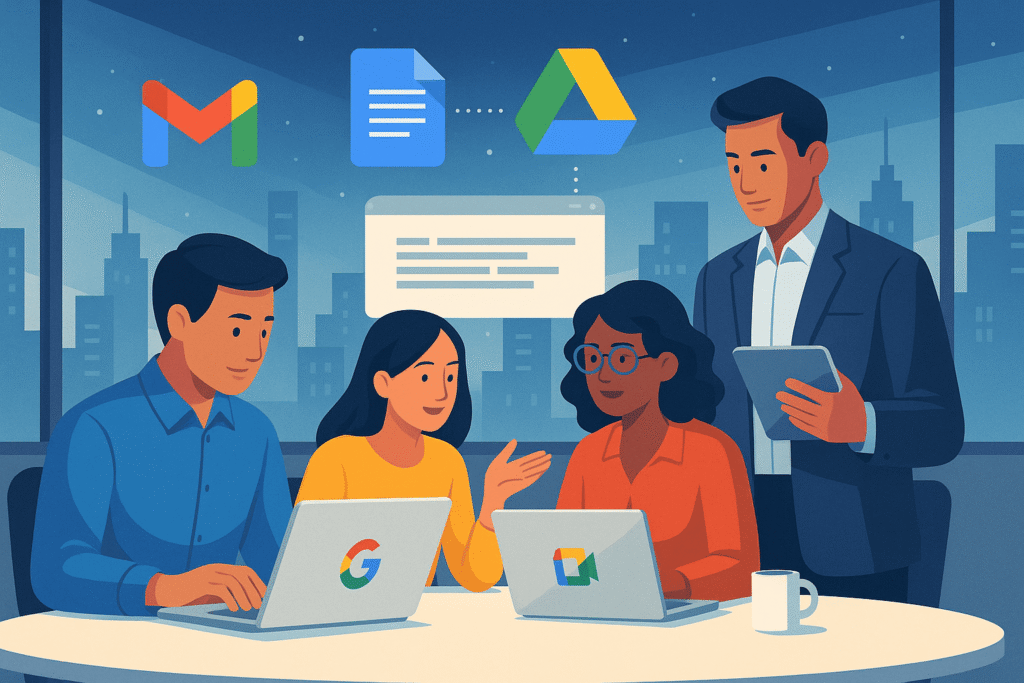
    Work together in shared files, calendars, and documents — in real time.

  • Data Security & Reliability
    Enjoy enterprise-grade encryption, backup, and 99.9% uptime.

  • Scalability & Remote Access
    Add new users instantly and work from any device, anywhere.

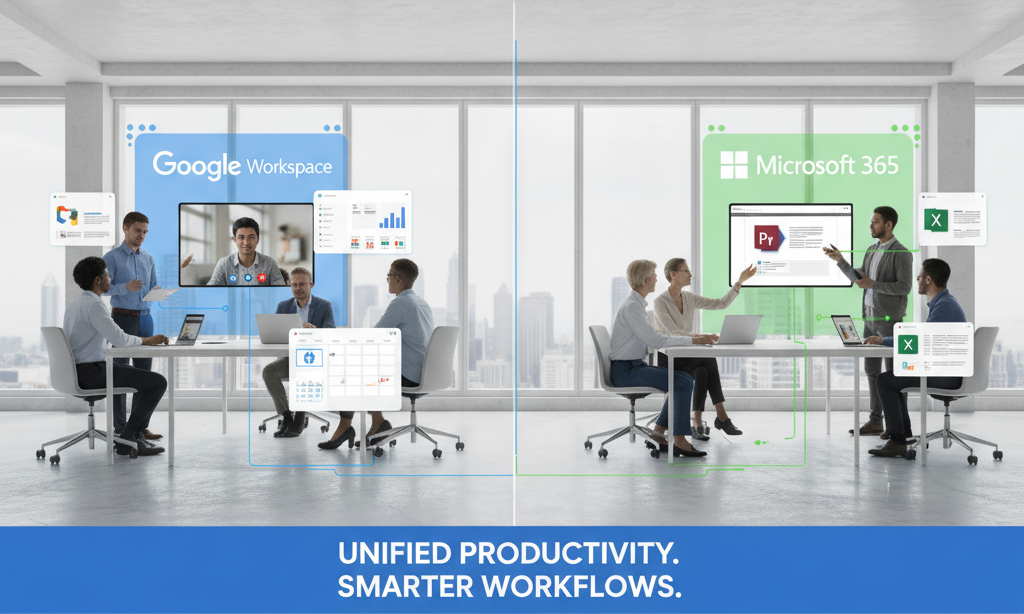
Workspace Vs 365 - Simplified Comparison

(As of 1st Nov 2025)

FeatureGoogle WorkspaceMicrosoft 365
Email HostingGmail (30 GB – 5 TB)Outlook (50 GB +)
StorageDrive (30 GB – 5 TB)OneDrive (1 TB +)
Office ToolsDocs / Sheets / SlidesWord / Excel / PowerPoint
CollaborationMeet + ChatTeams + SharePoint
Best ForSimplicity, startups, creativesStorage-heavy, structured IT teams

Choose the Cloud Suite That Fits You Best

Google Workspace Setup

  • Domain & DNS verification

  • Gmail, Drive, Meet, and Calendar configuration

  • User and group setup with access permissions

  • Security, 2-step verification, and backup policies

Microsoft 365 Setup

  • Domain linking with Exchange Online

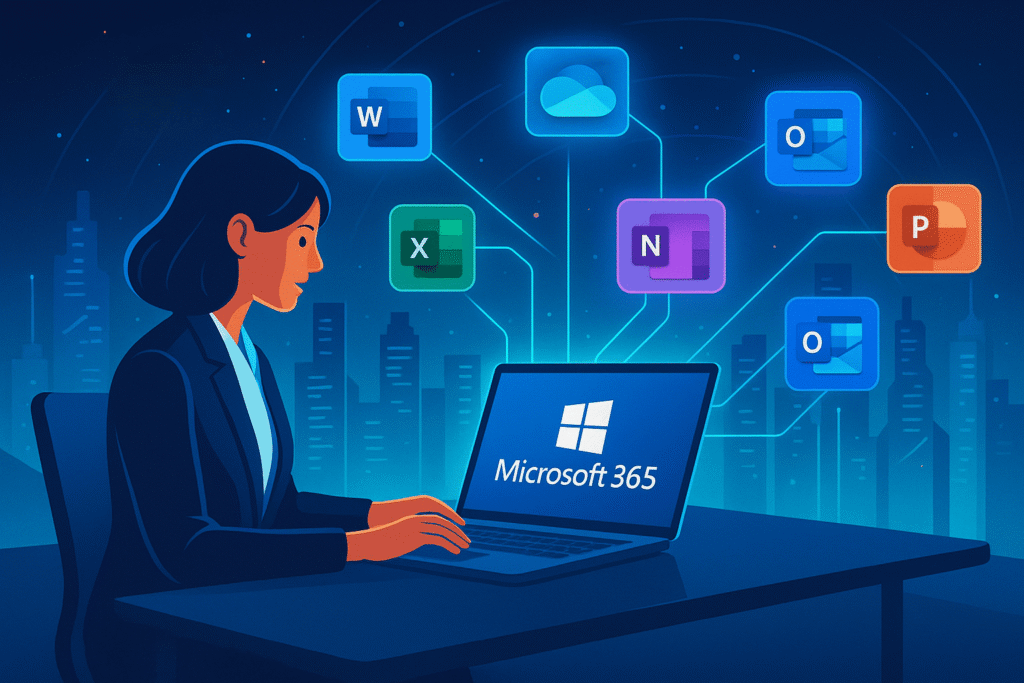
  • Outlook, Teams, SharePoint, and OneDrive configuration

  • Licensing setup and admin training

  • Device security and MFA configuration

Implementation Process

Not sure which to choose ?  Let Digital ArtZ recommend the right plan for your business

  • Assessment & Planning – We review your current email and storage setup.

  • Configuration – Verify domain, set up DNS and security.

  • Migration – Transfer mail, files, and contacts safely.

  • Testing & Go-Live – Ensure everything runs perfectly.

  • Training & Support – Help your team adapt and get productive fast.

Frequently Asked Questions

Q1. Can I move from free Gmail to Workspace without losing data?
A: Yes — we handle secure migration of emails, contacts, and files.

Q2. Can I use Gmail for email and Word/Excel for documents?
A: Absolutely. We can configure hybrid access with Workspace + Microsoft Apps.

Q3. How long does migration take?
A: Typically 24–72 hours depending on data volume.

Q4. Will there be downtime?
A: Normally not — our process is designed for continuity while switching systems.

Q5. Do you offer post-setup support?
A: Yes, through managed service and AMC options.